" width="18px"><g opacity="0.4"><path d="M 17.036 5.786 L 3.536 5.786 C 2.65 5.786 1.929 5.065 1.929 4.179 L 1.929 0.964 C 1.929 0.432 1.497 0 0.964 0 C 0.432 0 0 0.432 0 0.964 L 0 4.179 C 0.001 6.131 1.584 7.713 3.536 7.714 L 17.036 7.714 C 17.568 7.714 18 7.283 18 6.75 C 18 6.218 17.568 5.786 17.036 5.786 Z" fill="rgb(247, 247, 247)" height="7.714428914061898px" id="EIf7EERTU" transform="translate(0 10.286)" width="18px"/></g><path d="M 8.396 0.283 C 8.019 -0.094 7.408 -0.094 7.032 0.283 C 6.655 0.659 6.655 1.27 7.032 1.647 L 9.564 4.18 L 6.429 4.18 C 2.884 4.18 0 7.064 0 10.608 C 0 11.141 0.432 11.573 0.964 11.573 C 1.497 11.573 1.929 11.141 1.929 10.608 C 1.929 8.127 3.947 6.108 6.429 6.108 L 9.564 6.108 L 7.032 8.641 C 6.666 9.019 6.671 9.621 7.043 9.993 C 7.414 10.365 8.016 10.371 8.394 10.005 L 12.573 5.827 C 12.754 5.646 12.856 5.4 12.856 5.145 C 12.856 4.889 12.754 4.643 12.573 4.462 L 8.394 0.284 Z" fill="rgb(247, 247, 247)" height="11.572595196411214px" id="Ha_t3VDsa" transform="translate(5.143 0)" width="12.855651277727503px"/></g></svg>)
Image Sweep
new
ImageSweep is a scroll-driven image reveal component that stacks multiple images in a single viewport and sweeps between them as you scroll. Images are progressively clipped to create clean directional transitions (Up, Down, Left, Right), with optional depth-based parallax for added motion. Use it as a sticky, page-scroll interaction or as a self-contained scrollable block.
Adjustable properties
Scroll-based image sweep (↑ ↓ ← →)
Optional directional parallax
Sticky or internal scroll mode
Multi-image stacking
Per-image focal point
Scroll snapping
Toggleable scrollbar
Responsive by default
How do I use it?
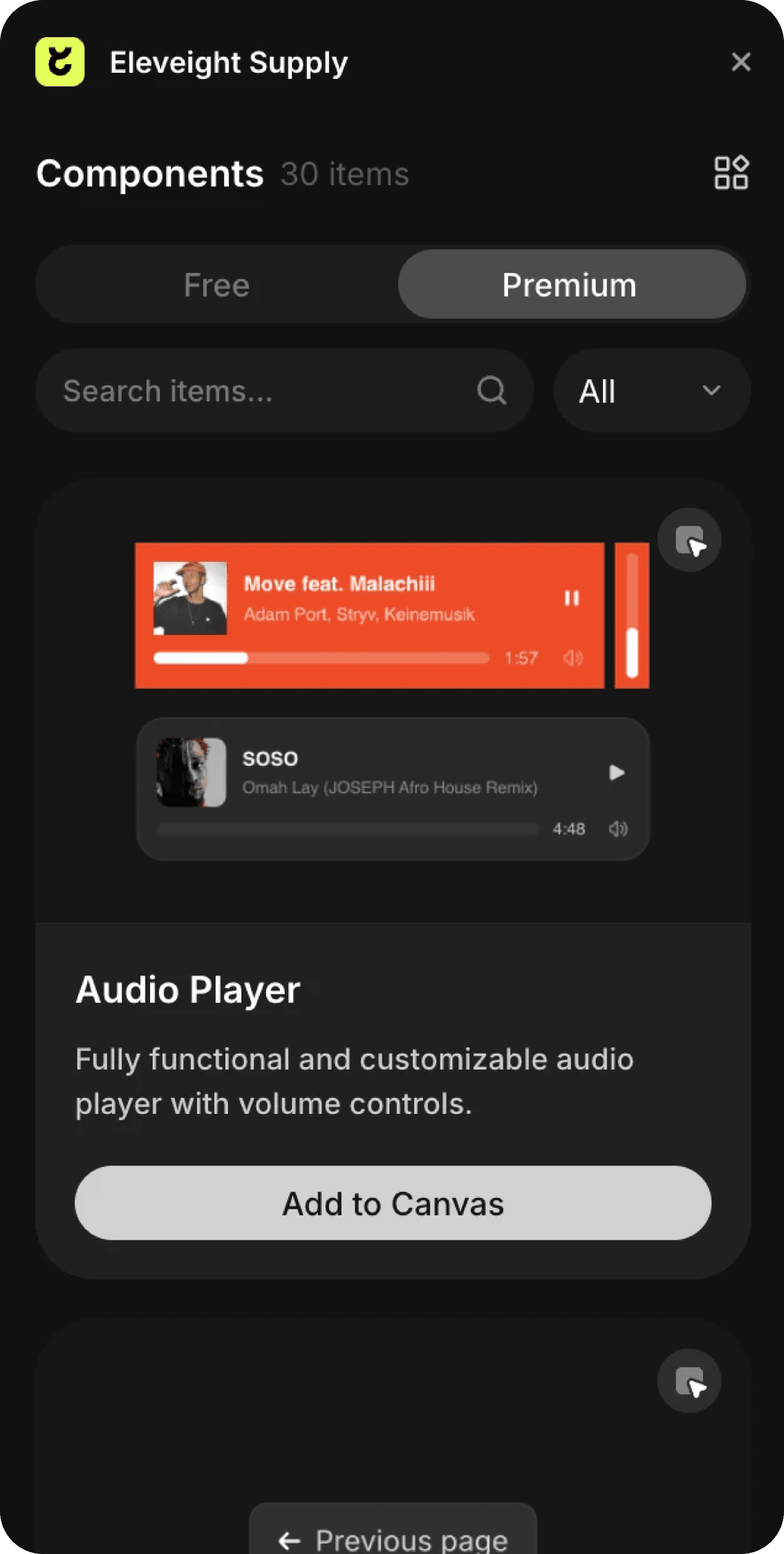
If you have Premium access simply click Open Plugin in Framer and you can insert the component into canvas from the Plugin, if you are purchasing it individually you will receive a Remix link with instructions. It will appear in your left sidebar in the Assets tab under components - Eleveight Supply folder. From there you can drag it into your canvas for a new instance.